
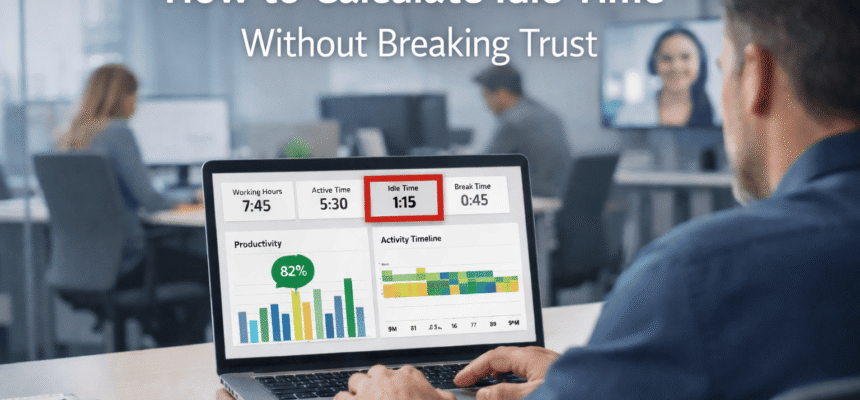

In the modern workplace, understanding how time is spent is no longer about watching over shoulders; it is about finding a balance that helps everyone succeed. Whether you manage a remote team or a busy office, idle time tracking has become a vital tool for identifying where workflows get stuck and how to support employees who might be overwhelmed or under-tasked.
This guide provides a deep dive into managing idle periods effectively while maintaining a healthy, trust-based work culture.
Understanding the Basics of Idle Time
Before we look at the tools, let’s define what we are actually measuring. Idle time tracking refers to the process of identifying periods during the workday when no active work—such as typing, clicking, or using specific software—is being recorded on a computer.
In a professional setting, not all “idle” time is bad. Sometimes, an employee is on a phone call, brainstorming on a physical notepad, or in a face-to-face meeting. The goal of using employee monitoring software is not to eliminate every second of stillness, but to see patterns that point toward technical issues, lack of clear tasks, or burnout.
Why Every Manager Needs an Idle Time Strategy
If you don’t track how time is lost, you can’t improve your bottom line. Research shows that most employees lose nearly two hours a day to small distractions. When you multiply that across a team of 50 people, the cost to the business is huge.
By focusing on workforce productivity, managers can:
- Spot Bottlenecks: Is the team idle because they are waiting for a manager to approve a task?
- Prevent Burnout: Sometimes, high idle time is a sign that an employee is mentally exhausted and needs a real break.
- Ensure Fair Pay: For billing clients, knowing the difference between active and inactive time ensures invoices are accurate.
The Ethical Way to Implement Tracking
The biggest mistake companies make is starting a tracking program in secret. This destroys trust. As a writer with 15 years in the HR tech space, I’ve seen that the most successful teams are the ones that are transparent.
- Be Open: Tell your team why you are using the software. Explain that it’s to help balance workloads, not to “spy.”
- Set Clear Thresholds: Decide what counts as “idle.” Is it 5 minutes? 10 minutes? Make sure these rules are in the employee handbook.
- Focus on Results: Use the data as a conversation starter. If someone has high idle time, ask, “Is there a problem with your software?” or “Are you waiting on a project update?”
Using Data for Employee Growth
The best use of idle time tracking data is for training and development. By analyzing productivity analytics, you might notice that your top performers have a specific rhythm—perhaps they have short bursts of high activity followed by 10 minutes of idle time. This “work-rest” cycle is often more sustainable than trying to stay active for 8 hours straight.
Use these insights to teach the rest of the team how to manage their energy better. Instead of punishing the “idle” moments, reward the high-quality “active” output.
Overcoming the Challenges of Remote Work
For remote teams, idle time tracking is even more important because you can’t walk over to someone’s desk to see if they are struggling. However, it requires a lighter touch. Remote workers often deal with home interruptions.
A good attendance management system for remote staff should focus on time and attendance goals rather than micro-managing every mouse move. If the work is getting done on time and the quality is high, a few extra minutes of idle time shouldn’t be a major concern.
Final Thoughts for 2026
Idle time tracking is a powerful resource when used with empathy and clear goals. It helps businesses stay competitive by ensuring that resources are used wisely and that employees have the tools they need to stay focused.
By following a clear strategy, you can turn raw data into a more efficient, happier, and more productive workforce. Remember, the goal isn’t just to track time—it’s to make every minute count for the growth of your brand and your people.