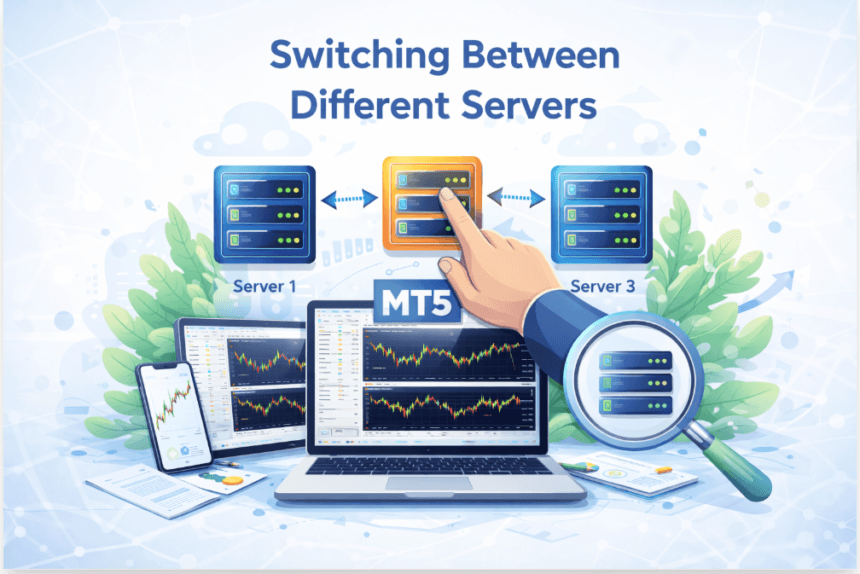

In today’s digital environment, switching between different servers is a common requirement, especially for traders, developers, and businesses relying on cloud-based platforms. Whether you are managing trading accounts or accessing different environments, understanding how server switching works can save time and prevent unnecessary errors. At WP-1 click, we believe in simplifying complex processes so users can manage their tools efficiently and securely.
What Does Switching Between Servers Mean?
Switching between servers refers to changing your connection from one server to another within the same platform or across different platforms. This is often required when:
- Accessing different accounts
- Connecting to a broker’s specific server
- Troubleshooting connectivity issues
- Improving performance or latency
Servers act as the backbone of digital communication. When you switch servers, you are essentially redirecting your connection to a different system that hosts your data or services.
Why Switching Servers Is Important
Switching servers is not just a technical feature—it plays a crucial role in maintaining efficiency and performance. Many users assume that one server is enough, but that’s not always true.
Here are some key reasons why switching servers matters:
- Improved Performance: A closer or less crowded server can provide faster response times
- Account Access: Different accounts may be linked to different servers
- Backup and Redundancy: If one server fails, another ensures continuity
- Regional Restrictions: Some servers are optimized for specific locations
Ignoring server selection can lead to slow performance, login errors, or even failed transactions.
Understanding Server Types
Before switching servers, it’s important to understand that not all servers are the same. Different platforms offer different server environments based on user needs.
Demo Servers
These are used for practice and testing. They simulate real conditions without financial risk.
Live Servers
Live servers handle real-time data and transactions. These require secure and stable connections.
Backup Servers
Backup servers are secondary systems that take over in case the primary server fails.
Understanding these differences helps you make better decisions when switching between them.
When Should You Switch Servers?
Switching servers is not something you should do randomly. There are specific situations where it becomes necessary.
For example, if you experience frequent disconnections, it may indicate that your current server is overloaded. Similarly, if you are unable to log in, your account may be assigned to a different server.
Another common scenario is when users operate multiple accounts. Each account may be linked to a different server, requiring manual switching.
How to Switch Between Servers Effectively
Switching servers is generally a simple process, but doing it correctly ensures you avoid errors. While the steps may vary depending on the platform, the overall approach remains similar.
First, log out of your current session. Then, access the server selection option within your platform. Choose the correct server associated with your account and log in again using your credentials.
It’s important to double-check server names, as even small differences can lead to login issues.
Common Challenges While Switching Servers
Many users face problems when switching servers, often due to simple mistakes or misunderstandings.
One common issue is selecting the wrong server. This can prevent login access even if your credentials are correct. Another challenge is poor internet connectivity, which may interrupt the switching process.
Sometimes, outdated platform versions can also cause compatibility issues. Keeping your software updated is essential for smooth server transitions.
Tips for a Smooth Server Switching Experience
To make server switching easier and more reliable, consider the following best practices:
- Always verify your server name before logging in
- Keep your application updated to the latest version
- Use a stable internet connection
- Avoid switching servers during critical operations
- Save your login credentials securely
These simple steps can significantly reduce the chances of errors.
Server Switching in Trading Platforms
In trading platforms, server switching plays a vital role. Traders often work with multiple brokers or accounts, each hosted on different servers.
For example, when learning How to Add a Server in MT5, users must understand that each broker provides a unique server. Selecting the correct one ensures proper account access and real-time data synchronization.
Switching servers in such platforms allows traders to manage multiple accounts efficiently without needing separate applications.
Security Considerations
Security should always be a priority when switching servers. Since servers handle sensitive data, connecting to the wrong or unsecured server can pose risks.
Make sure you:
- Only connect to trusted servers
- Avoid public or unsecured networks
- Use strong passwords
- Enable two-factor authentication if available